Introduction
Korev is a Mac app that runs coding agents (Claude Code and Codex) in parallel.
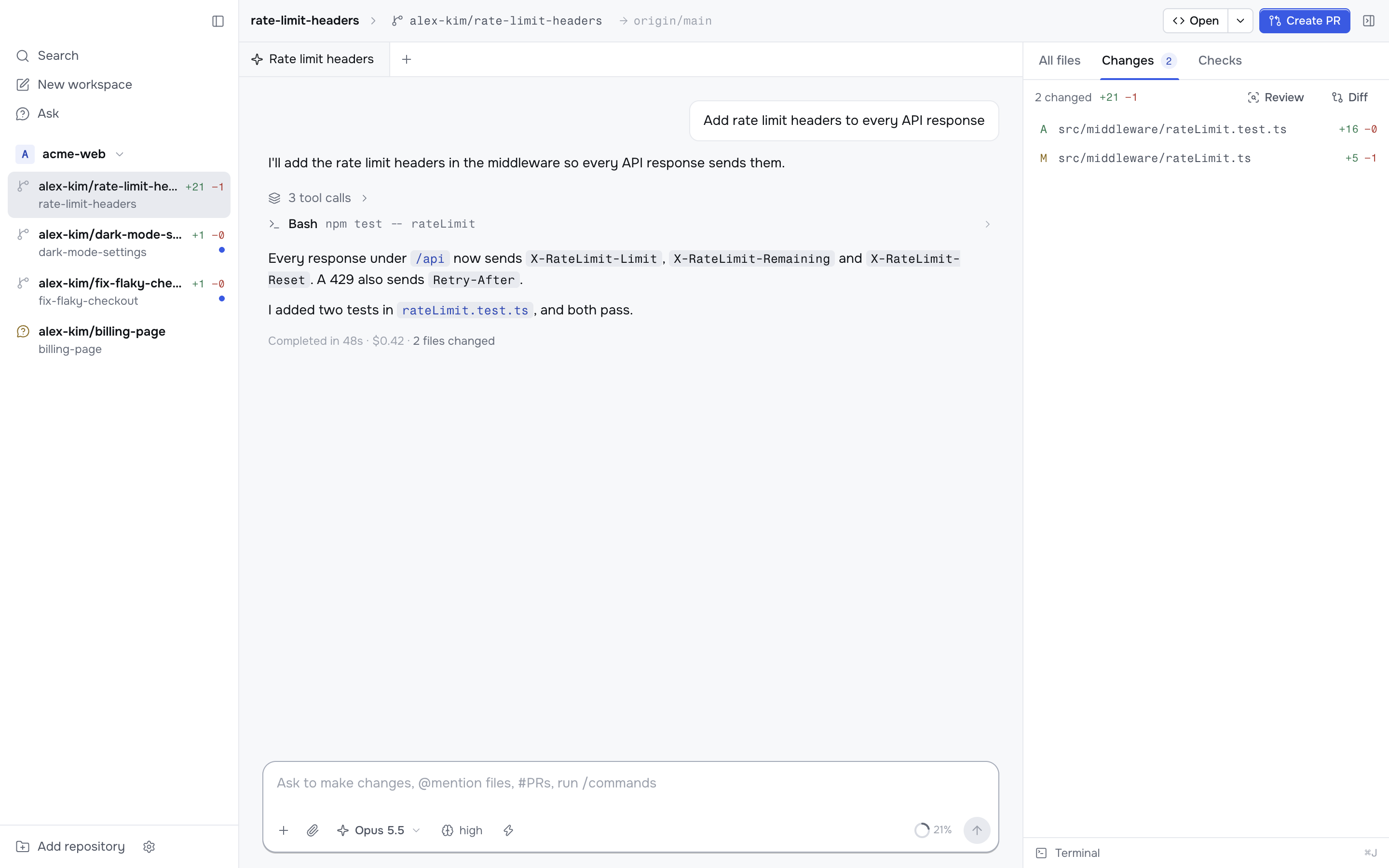
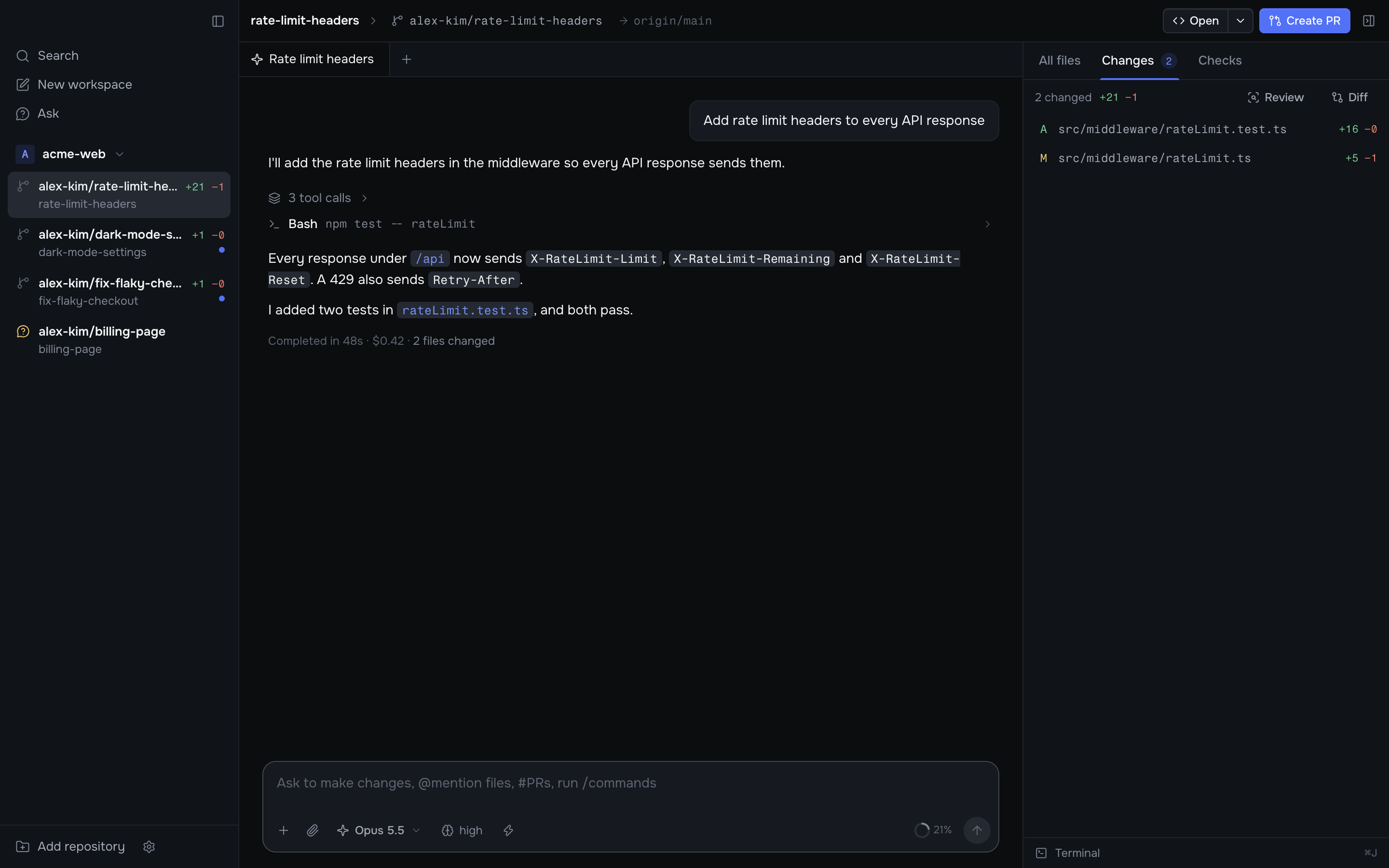
Each task gets its own workspace: a git worktree on a new branch, with its own chats, terminal, diff and pull request. Agents in different workspaces cannot step on each other, so you can start a second task while the first one is still running.
How a task flows
Add a repository. Open a folder on your Mac or clone one from a URL.
Start a workspace. Press ⌘N and describe the task. Korev creates a
worktree on a new branch, copies your local .env files, runs your setup
script and sends the task to the agent.
Watch and steer. The agent works in the chat. Send another message at any time to steer it. Open the Changes tab to see what it changed.
Review. Read the diff, leave line comments for the agent, or start a review chat.
Ship. The header button walks you through Create PR → Fix errors → Merge → Archive.
To ask about code without starting a task, use Ask. The agent reads the repository's default branch and cannot change anything. When you are ready, press Start workspace and the new workspace starts with the whole conversation.
Where to start
Install Korev
Create your first workspace
Configure your repository
So new workspaces install dependencies and start your dev server.