Review and merge
Read the diff, comment for the agent, and take a pull request from Create PR to Archive.
See what changed
The right panel has three tabs: All files, Changes and Checks.
Changes lists every file that differs from the workspace's target branch. From there:
- Diff opens the diff view (⌘⇧D).
- Review opens a new chat that reviews the changes. See Review model.
After each agent turn, the chat shows "N files changed". Click it to see only that turn's changes.
Comment for the agent
In the diff view, switch between Unified and Split. Click Comment on this line next to a line to leave a comment. When you have comments, press N comments ready to send to put them in the composer, then send them to the agent.
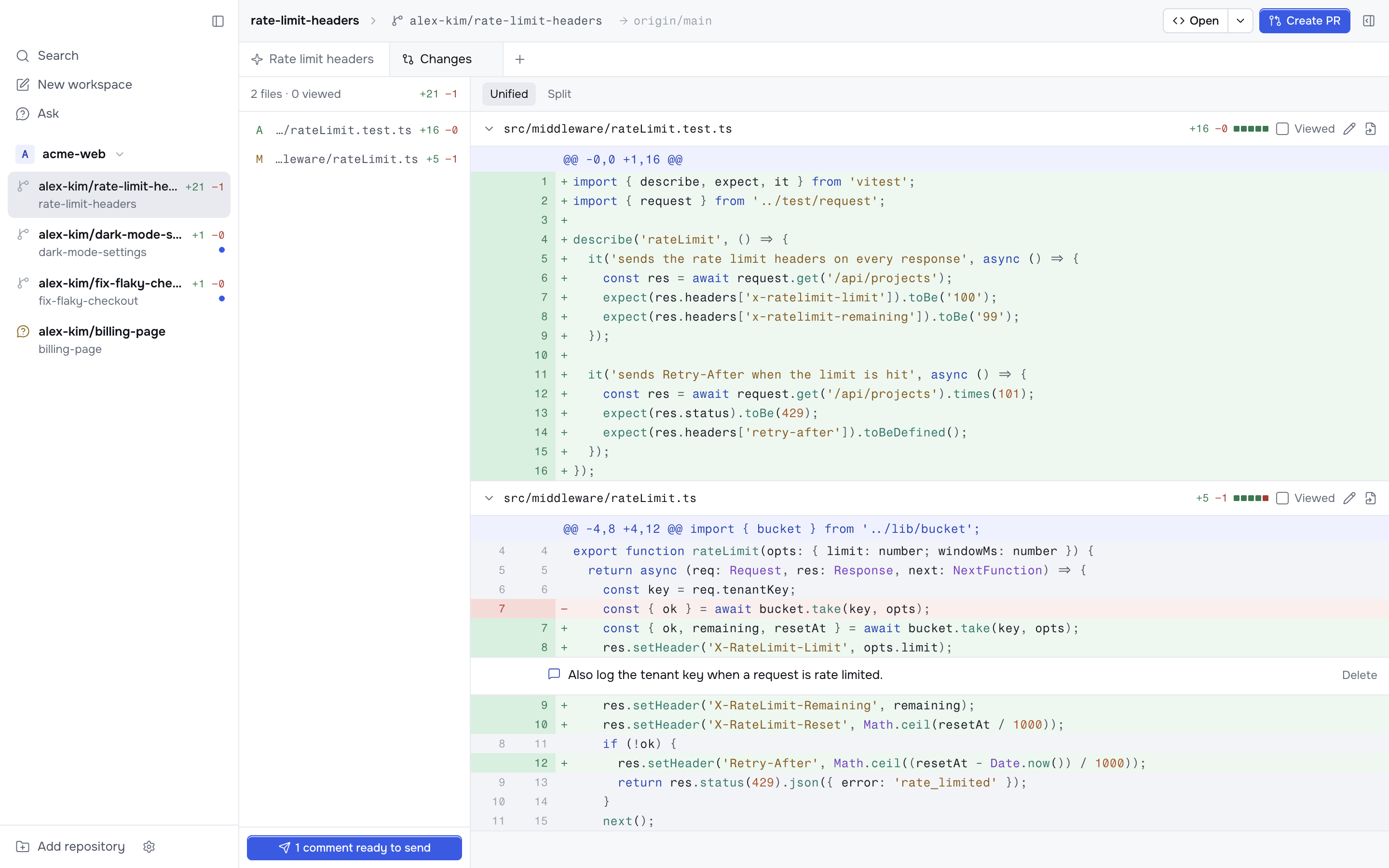
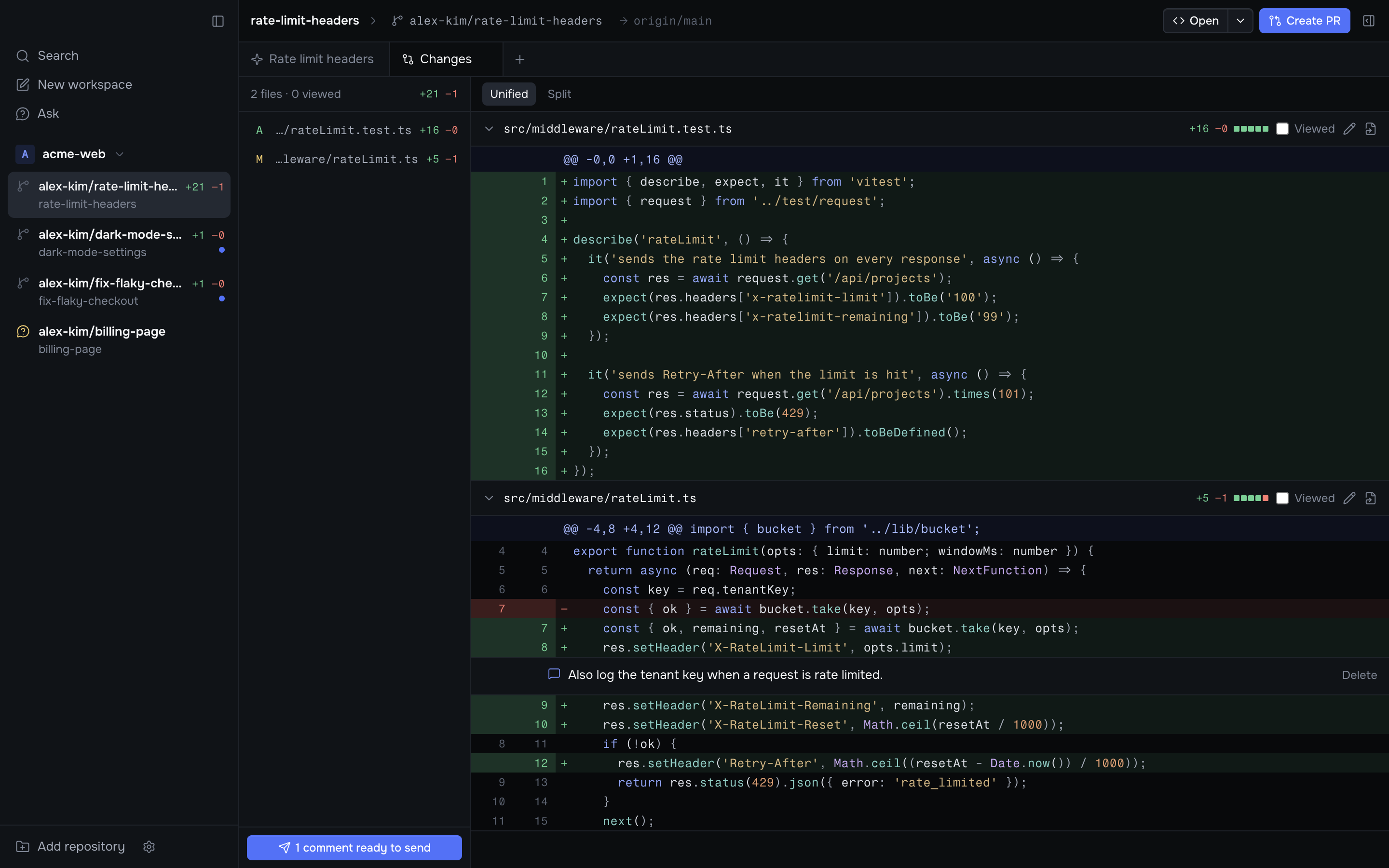
Tick Viewed on a file to collapse it. It opens again if the file changes.
Press Edit file to change a file yourself. ⌘S saves.
The next git action
The button in the workspace header always shows the next step:
| Button | What it does |
|---|---|
| Create PR (⌘⇧P) | Asks the agent to commit, push and open a pull request against the target branch with gh pr create |
| Resolve conflicts | Asks the agent to fix the pull request's merge conflicts |
| Fix errors (⌘⇧X) | Sends the failing checks and their links to the agent |
| Merge (⌘⇧M) | Runs gh pr merge --squash |
| Merge partial stack / Merge stack | Shown for a pull request in a GitHub stack that has open pull requests below it. Runs gh stack merge <number> --yes --squash, which merges that pull request and every open one below it in one step. If any open pull request below isn't ready (conflicts, failing or running checks, draft, or review needed), the button shows Stack can't be merged instead |
| Archive | Archives the workspace once the pull request merges |
Create PR, Resolve conflicts and Fix errors send a prompt to the active chat with plan mode off. Add your own instructions to these prompts with [prompts].
While checks run, or while the pull request waits for review, the button shows that state instead.
Only the checks that the repository requires for merge count. If a check that is not required is still running or has failed, the button shows Merge. If the repository requires no checks, the button shows Merge while checks run. If Korev cannot find out which checks are required, it counts all of them.
Checks
The Checks tab shows the pull request:
- Its state, conflicts, failing and running checks, and review status.
- Review comments from GitHub, each with Add to chat.
- The list of checks. Click one to open it on GitHub.
Korev refreshes the pull request every 30 seconds and after each agent turn.
Archive on merge
Turn on Settings → Git → Archive on merge, or set [git] archive_on_merge = true, and Korev archives each workspace when its pull request merges.