Ask
Use Ask to ask about code without starting a task.
Open it from the sidebar, or with Ask about <repo> on a repository row.
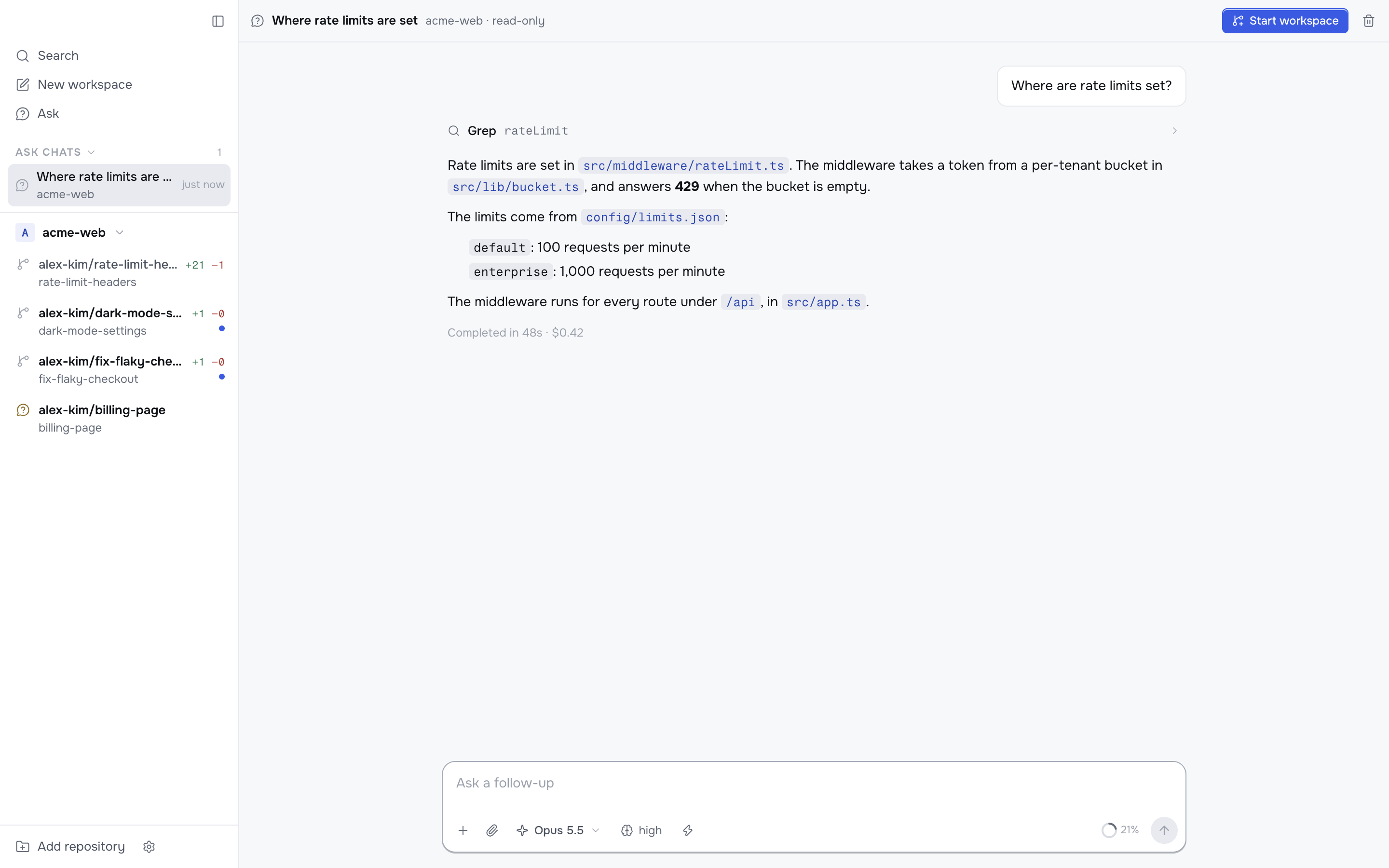
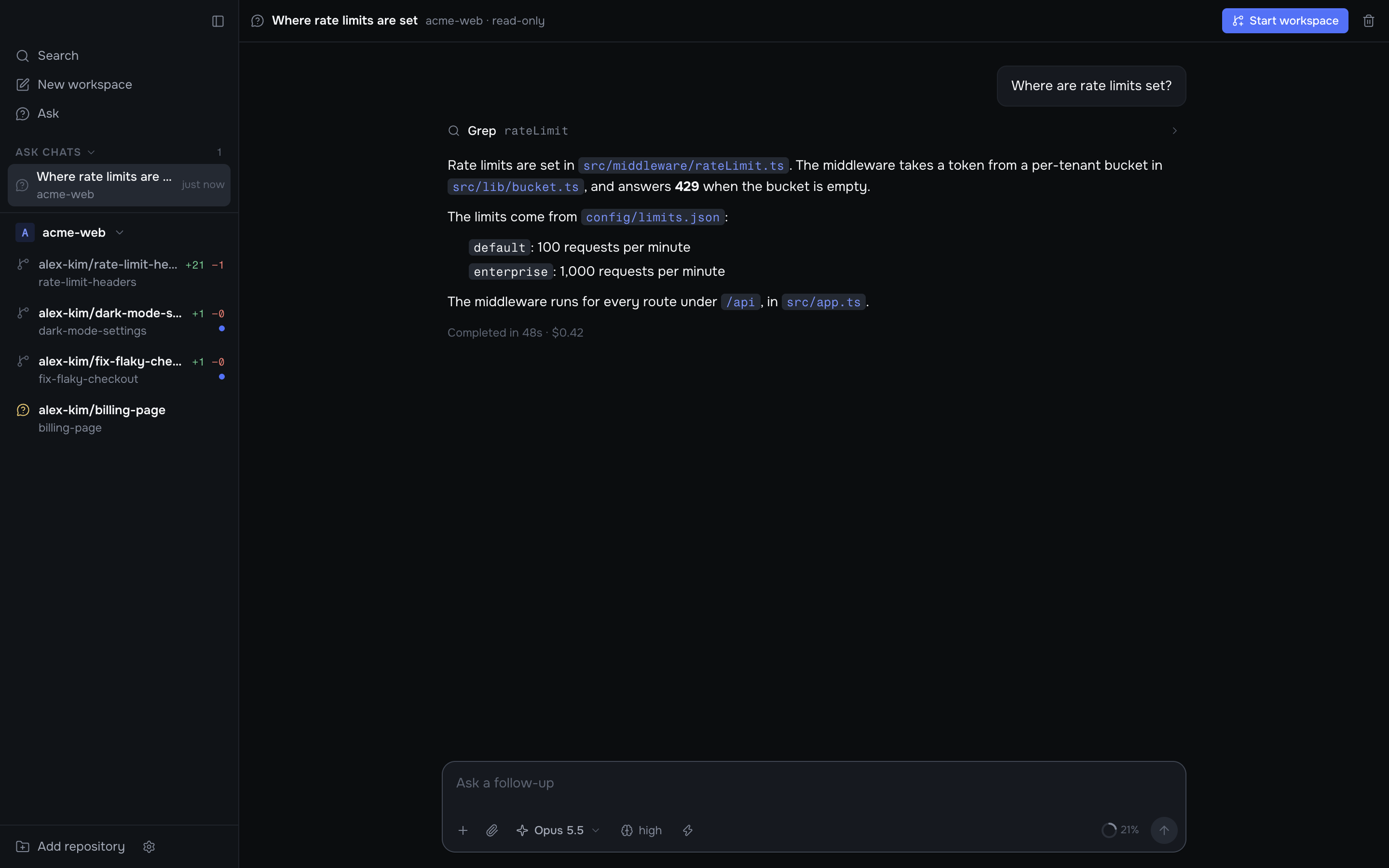
What the agent can do
- It reads a shared checkout of each repository's default branch, at
<workspaces location>/<repo>/.ask. All Ask chats for a repository use the same checkout. - It cannot change files. Claude Code runs without its edit tools. Codex runs in its read-only sandbox.
- Before it runs a command, Korev asks you. This lets it do things outside the checkout with your approval, like posting a pull request review with
gh. - Plan mode is not available in Ask.
One Ask chat can cover several repositories. Pick them in the repository picker at the top of the chat.
Korev titles each Ask chat with Claude Haiku after your first message, so you can find it later in the Ask chats list in the sidebar.
The Ask chats list puts the chat with the latest message first and shows how long ago each chat had its last message.
Start a workspace from an Ask chat
When you are ready to build what you discussed, press Start workspace. The new workspace's chat starts with the whole Ask conversation, and its agent continues from there. If the agent wrote a plan, the new chat starts with that plan.
If the Ask chat covers several repositories, the button is Start workspaces. Korev creates one linked workspace per repository.