Agents and modes
The agents Korev runs, their models and effort, and plan mode.
Agents
Korev runs two agents:
- Claude Code, through the
claudeCLI. - Codex, through the
codexCLI.
Korev finds both on your PATH and uses their own sign-in. MCP servers, skills and other agent config also come from each CLI's own config.
Pick the default agent in Settings → Default models → Default agent.
Chats
A workspace can have several chats.
- ⌘T opens a new chat with the default agent.
- The + in the tab strip opens New Claude Code chat or New Codex chat.
- ⌘W closes a tab. The last chat in a workspace stays open.
The + menu also opens Claude Code in a terminal and Codex in a terminal. These run the interactive CLI in a tab, outside the Korev chat.
Models, effort and fast mode
Use the chips under the composer:
- Model: Claude Opus 5.5 (the default), Sonnet 5.5, Fable 5.1 and Haiku 4.5. For Codex, Korev lists the models that
codexreports. - Effort: Claude has low, medium, high (the default), xhigh and max. Codex has minimal, low, medium (the default), high and xhigh. Press ⌘⇧/ to cycle.
- Fast mode: press ⌘⇧E or the zap chip.
Loadout (Settings → Default models) pins up to five models to the top of the picker. Press ⌃⌘1 to ⌃⌘5 to pick one.
You can switch a chat to the other agent from the model picker. Stop the agent first. Korev sends the conversation so far to the new agent.
Plan mode
In plan mode the agent reads and plans but does not change files. Turn it on with ⇧Tab, the Plan mode chip, or + → Plan mode. The composer border turns dashed.
When the agent finishes a plan, the chat shows Plan ready for review. Claude Code asks for the review itself. For Codex, the card appears under its reply when a plan mode turn ends:
- Approve plan turns plan mode off and lets the agent build it.
- Keep planning sends your feedback and keeps plan mode on.
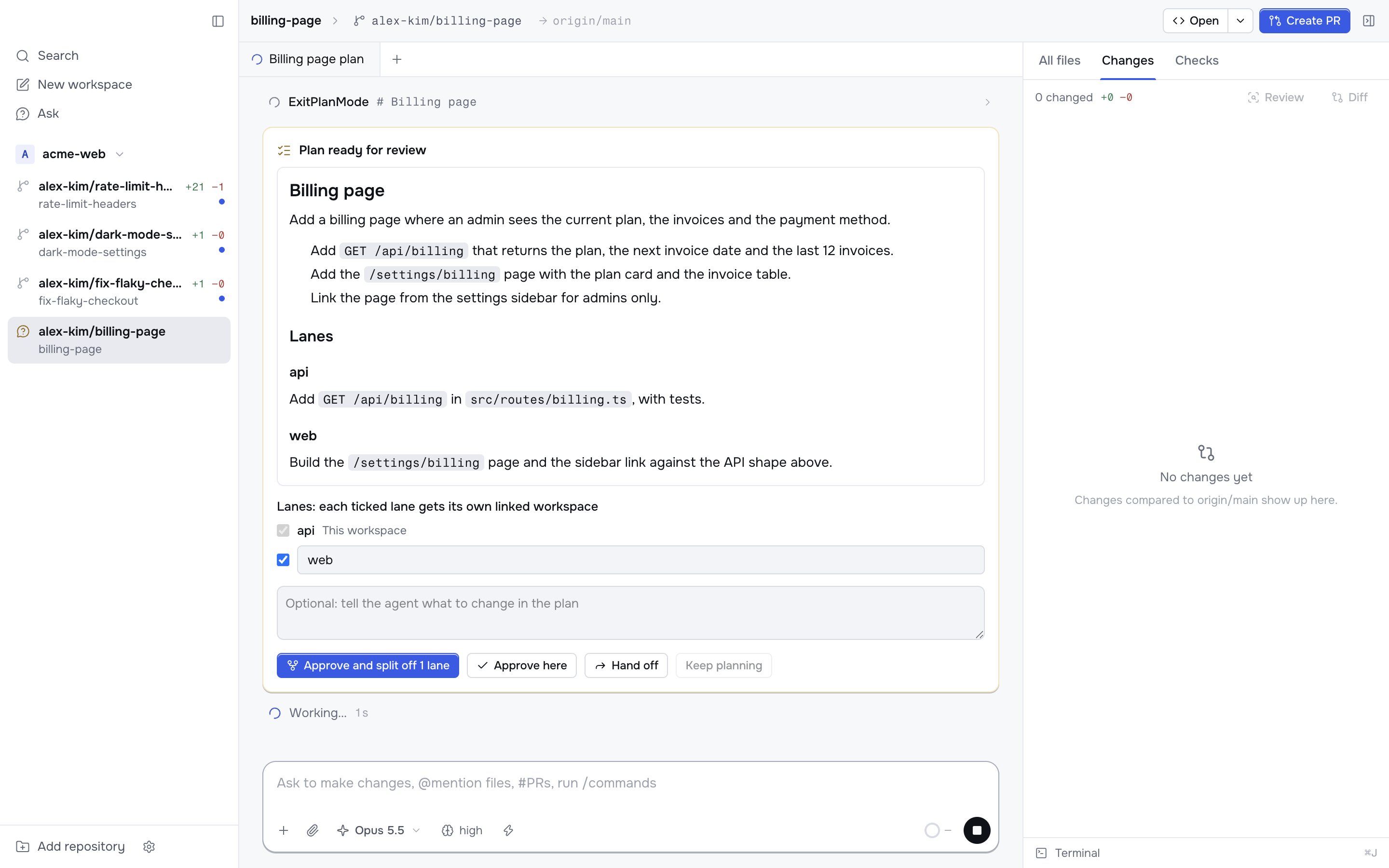
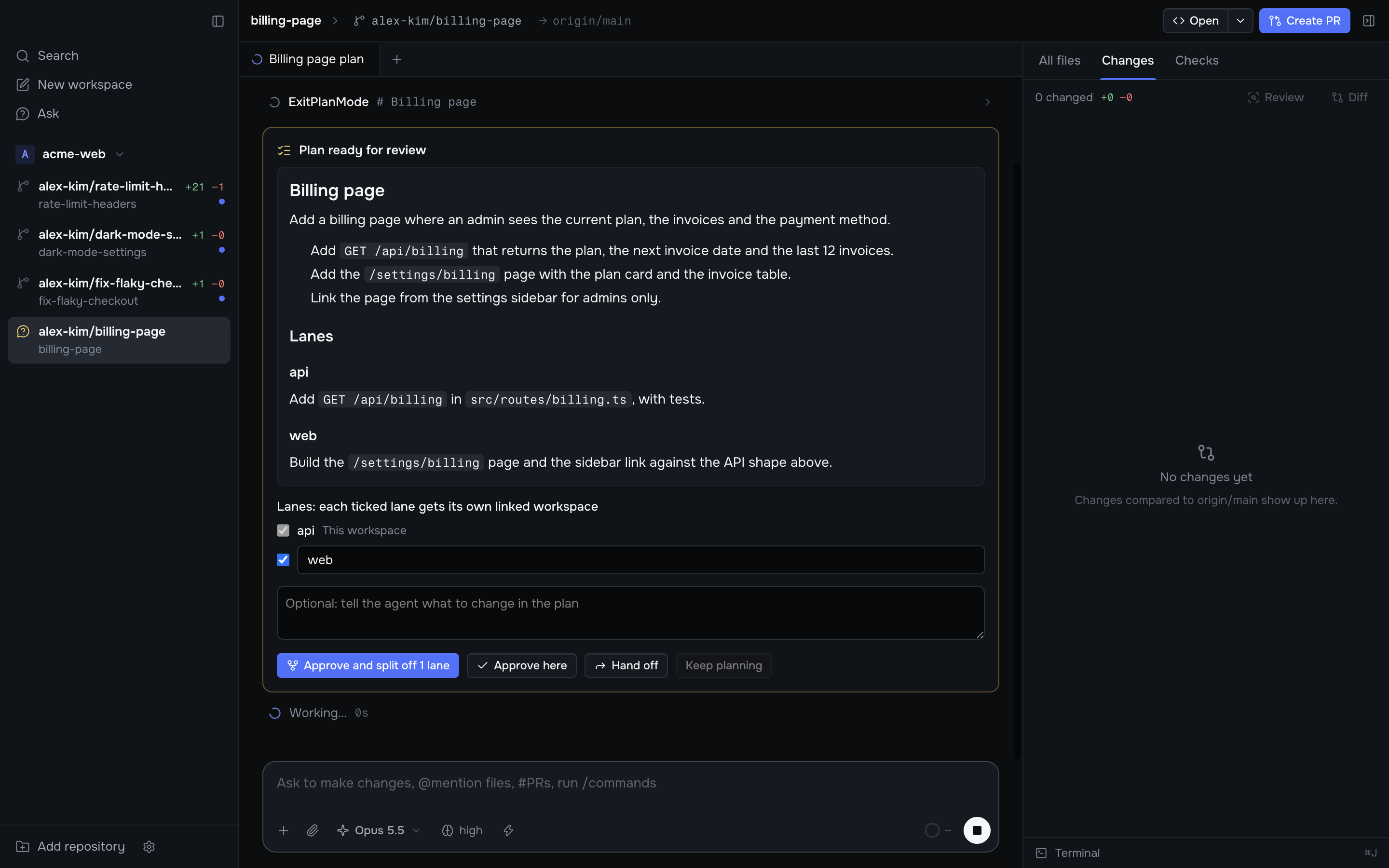
Codex runs in its read-only sandbox in plan mode. When you approve a Codex plan, Korev sends "Implement the plan." with plan mode off.
To start every chat in plan mode, turn on Settings → Default models → Start chats in plan mode.
Steer, queue and stop
- Claude Code: a message you send while it runs goes to the running agent and steers it.
- Codex: a message you send while it runs waits until the agent finishes.
- Stop: press the stop button or ⌘⇧⌫.
Review model
The Review button in the Changes tab opens a review chat. Settings → Default models → Review model picks its agent, model and effort. The default is Same as chats.